
Register Another Device
If a device is not listed, you are planning to register a deactivated device or a device being transferred to you, use the “"Register Another Device”" button/section in your My MIDILLI Account. You will need the device name as well as the serial number.
Enter the device name exactly as it is, and choose “"Register to My Account.”"
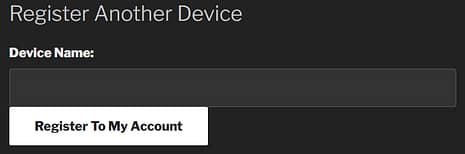 My MIDILLI: Registering another device.
After entering the serial number, the device will be visible in your “"My Devices”Devices" section with the status “"ACTIVATED.”" You can then log in to the Configurator to synchronize your device and start configuring it. If it’s still not visible, you can use the “"Resynchronize Hardware from My MIDILLI”MIDILLI" option in the Configurator.